Manage Multiple Farms
How to create additional farms, switch between farms, and set a default farm from User Settings.
You can create and manage multiple farms within Every.Farm. To create a farm:
Select the ‘User Settings’ button.
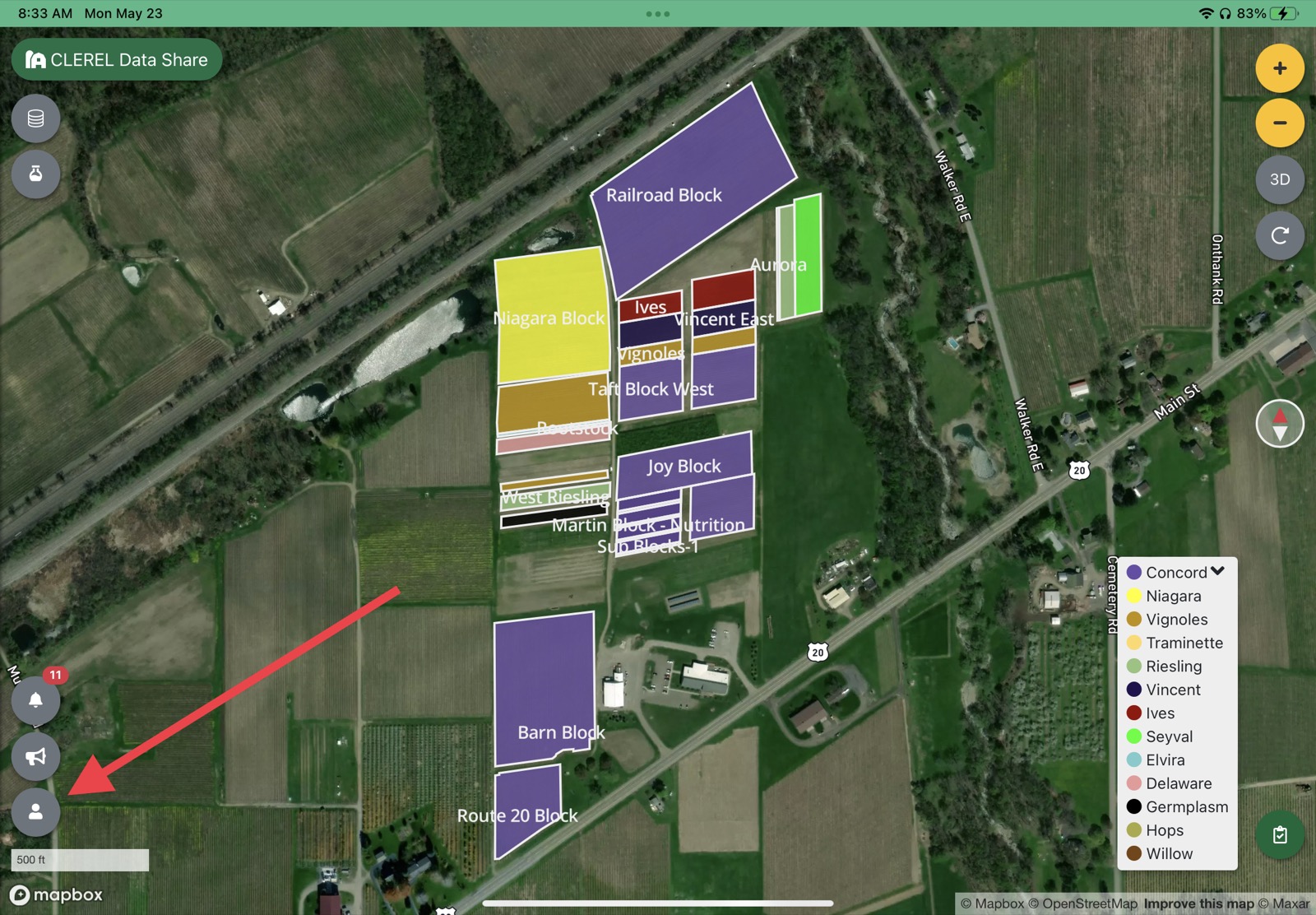
User Settings button Select ‘My Farms’.
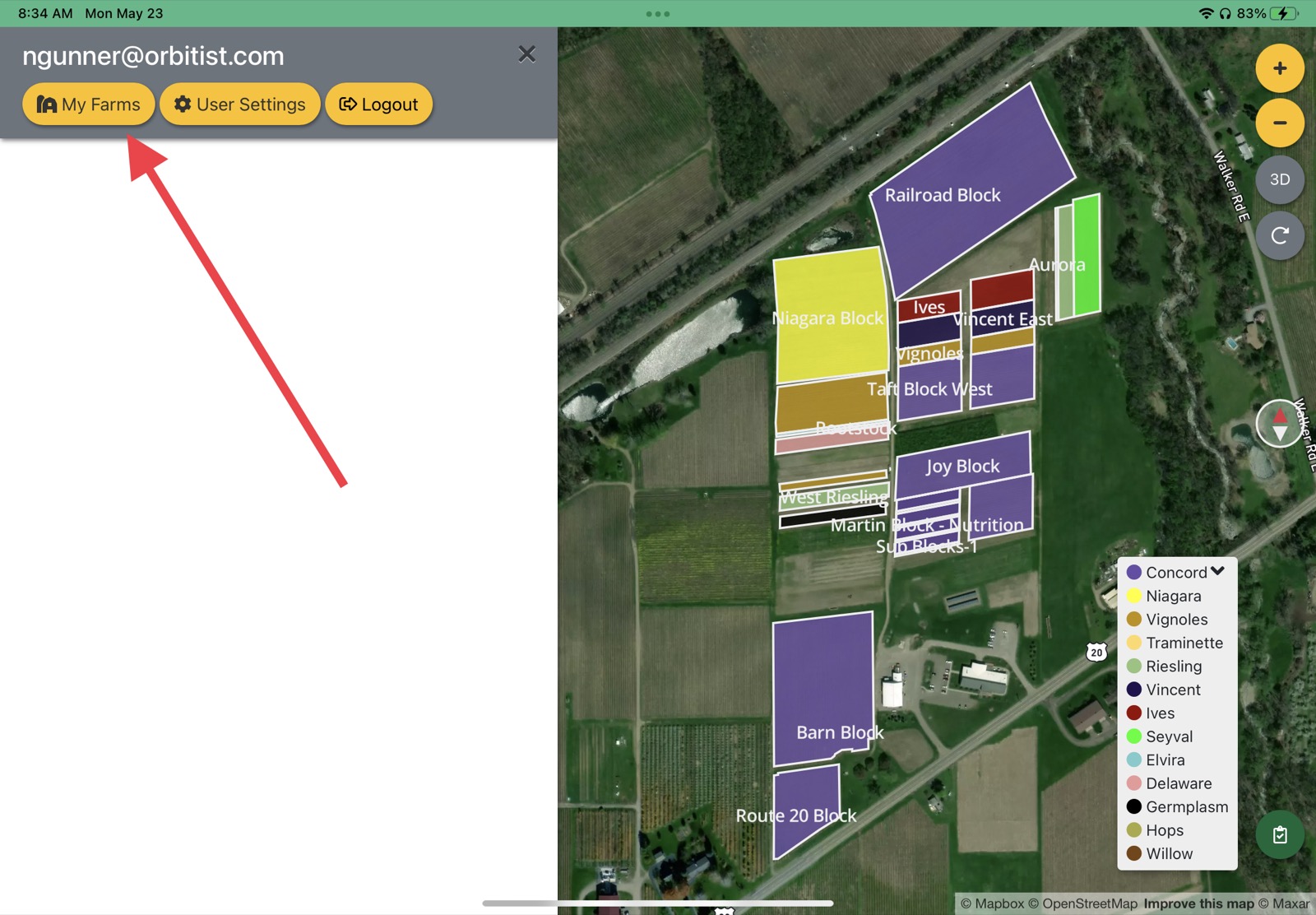
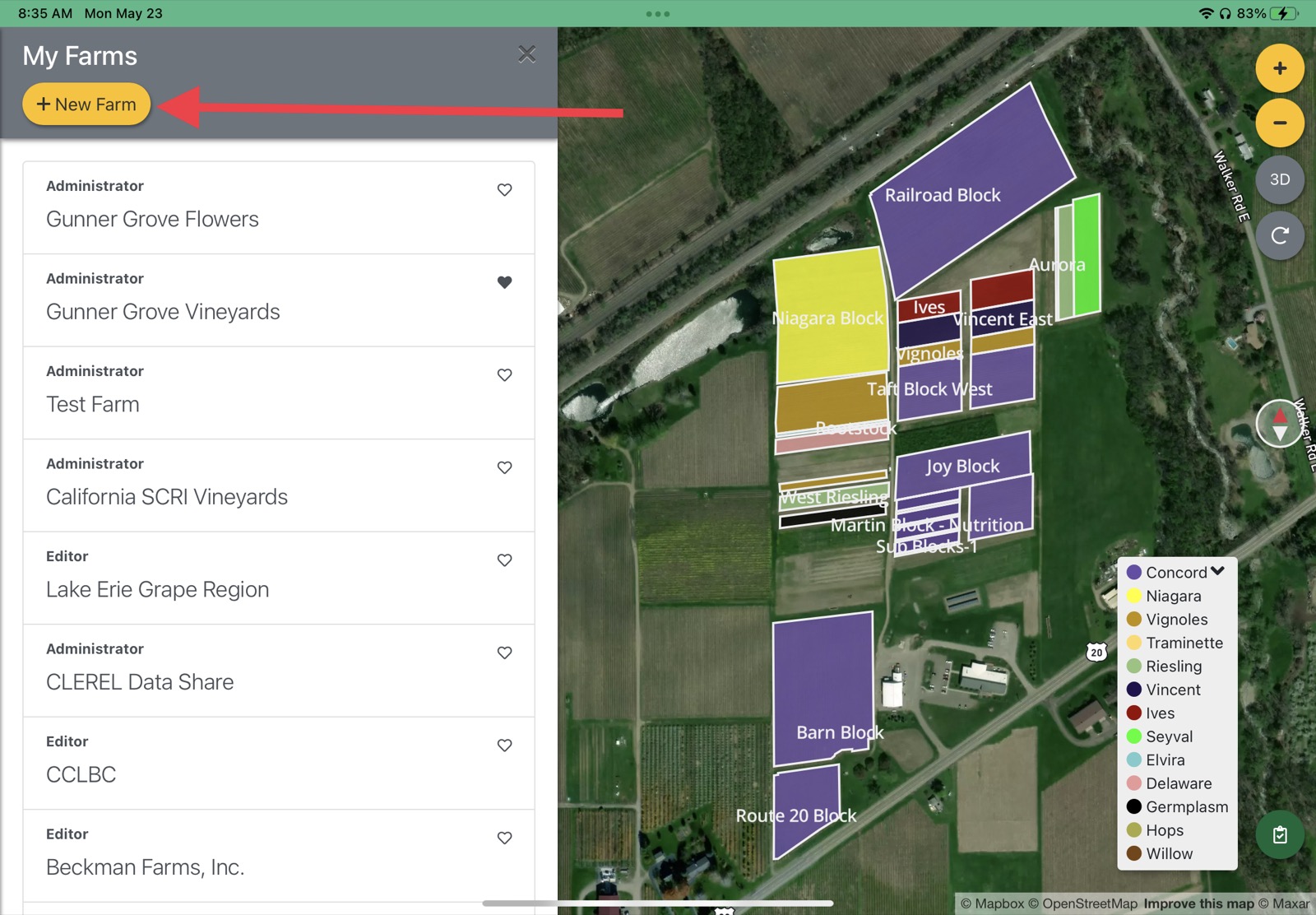
My Farms This is also where you can toggle between farms or click one of the heart icons to set a default farm. Select ‘Create New Farm’.
Create New Farm From here you enter basic farm information. Don’t forget to select a default farm location on your map. You can search for an address using the location search bar in the upper-right of your screen.
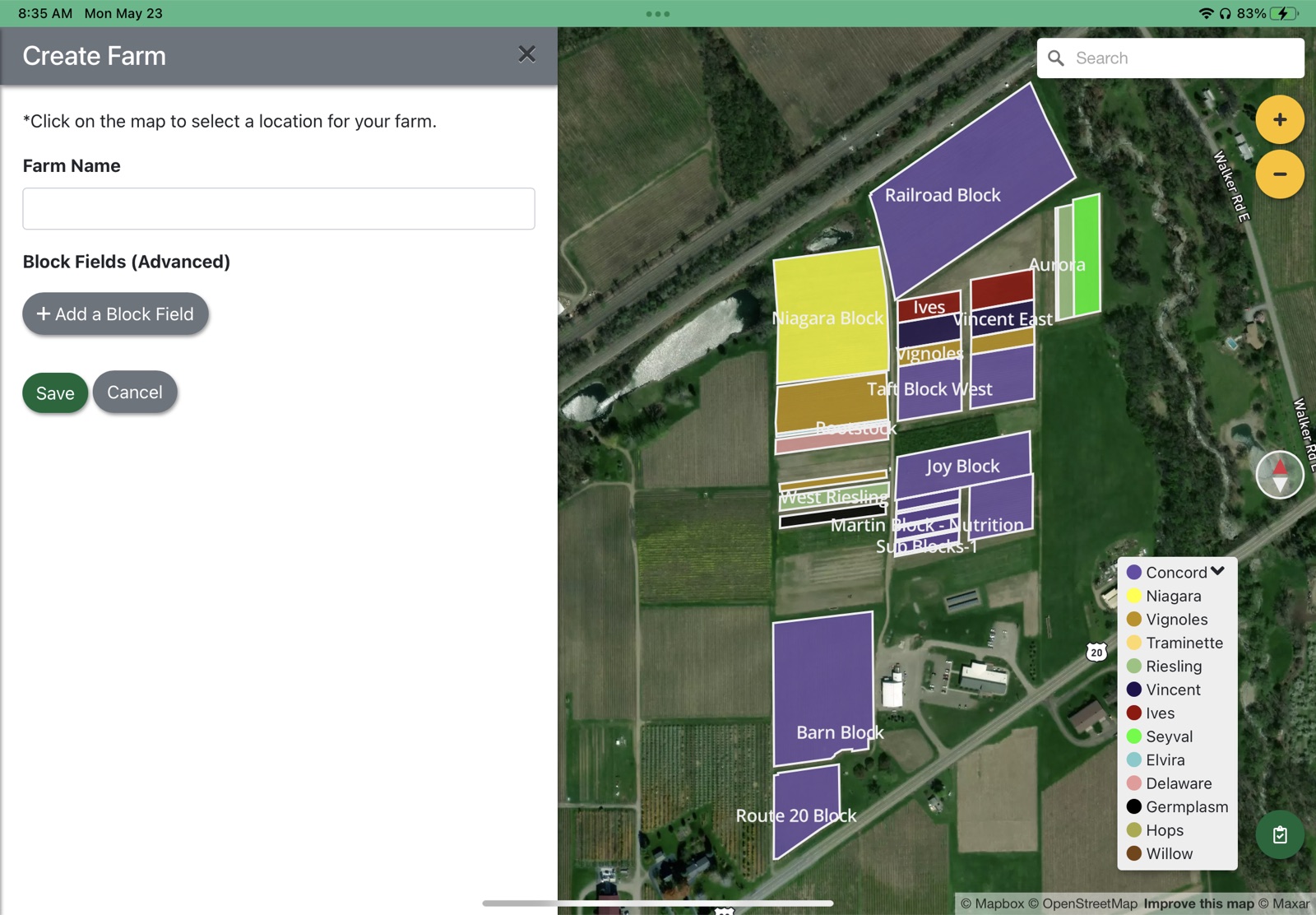
New farm form Press ‘Save’ and you will be redirected to your new farm.
Updated
Something missing or out of date? Tell us — the docs are updated with every release.