3d Mode
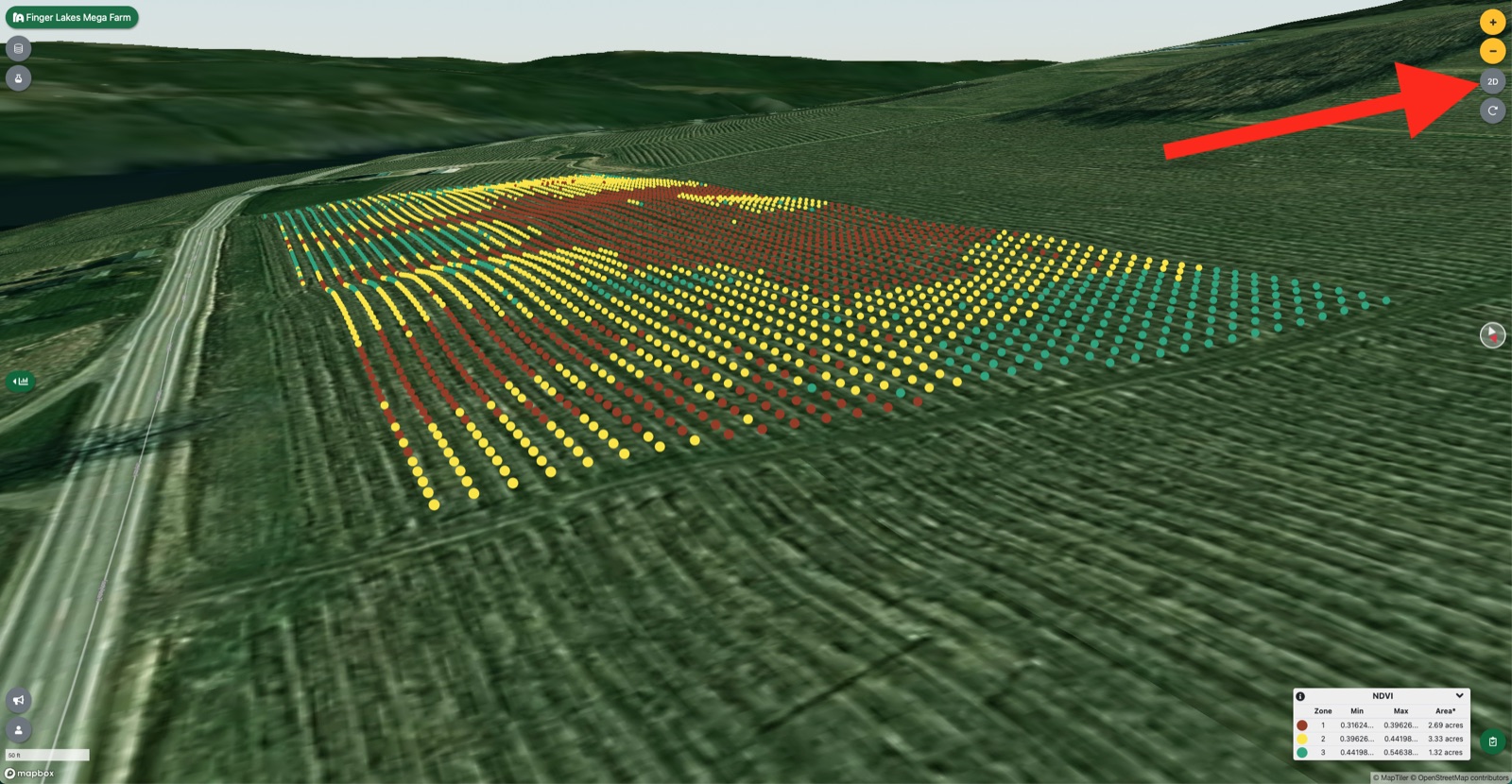
How to toggle 3d mode in myEV to get a general sense of elevation changes and adjust the view.
You can use 3d mode at any time within myEV to get a general sense of elevation changes. Simply click on the 3d/2d toggler button in the upper right. You can adjust your view by holding right-click and dragging your mouse (PC) or holding the ‘control' key and click-dragging (Mac).
Updated
Something missing or out of date? Tell us — the docs are updated with every release.